How to Call a Taxi in Korea Without a Korean Phone Number
You can call a taxi in Korea without having a Korean phone number.
Use an app that lets you register with your regular mobile number or a Google or Apple account. The best setup depends on whether you already use Uber in your home country.
Existing Uber user: Uber + k.ride
New user: k.ride + Uber or TABA
Who needs a taxi app in Korea?
A taxi app is particularly useful if you:
- Are traveling with parents or children
- Have several suitcases
- Need to travel late at night
- Are moving around in heavy rain or snow
- Cannot explain your destination in Korean
- Are sharing the fare with two to four people
If you are traveling alone, staying close to a subway station, or moving during rush hour, the subway may be faster and cheaper.
Which taxi app should you use?
| Your situation | Best first choice | Why |
| You already use Uber at home | Uber | You can keep using your existing account and payment method |
| You do not have an Uber account | k.ride | English interface, destination search, and automatic payment |
| You need a backup app in Seoul | TABA | Supports English, international phone numbers, and overseas cards |
Even with an app, finding a taxi can take longer during heavy rain, snow, late-night hours, or after a major event. Do not depend on only one app.
1. Use Uber if you already have an account
If you already use Uber in your home country, you can use the same account in Korea without changing your country setting.
A foreign phone number can remain connected to your account. However, you may be asked to verify your login, so check the following before departure:
- You can log in successfully
- Your registered card has not expired
- International transactions are enabled
- Location access and notifications are allowed
In Korea, the Uber app connects you with locally licensed taxis. It is available in Seoul and selected major cities, including Busan, Daegu, and Daejeon, although vehicle availability depends on the location and time.
Uber app information
- Android app name: Uber – Request a ride
- iPhone app name: Uber – Request a ride
- Developer: Uber Technologies, Inc.
- Check on Google Play
- Check on the Apple App Store
If you do not normally use Uber, you do not have to create an account just for your trip to Korea. k.ride may be the simpler option.
2. Use k.ride if you are starting from scratch
k.ride is a ride-hailing app operated by Kakao Mobility for international travelers.
You can register without a Korean phone number by using a valid overseas mobile number, email address, or a Google or Apple account.
The app supports English, and translation features are available for destination searches and messages with drivers.
Register an internationally enabled credit or debit card, and the fare can be charged automatically after the ride. The app shows an estimated fare and travel time, but the final amount may change because of traffic conditions or road tolls.
Registration, language, and payment information is available on the official k.ride website.
k.ride app information
- Android app name: k.ride – taxi, cab, korea trip
- iPhone app name: k.ride – taxi, cab, travel
- Developer: Kakao Mobility Corp.
- Check on Google Play
- Check on the Apple App Store
Check that the developer is listed as Kakao Mobility Corp. so that you do not accidentally install the separate driver app.
3. TABA can be a backup option in Seoul
TABA is a taxi app developed for international travelers in cooperation with the Seoul Metropolitan Government and Tmoney.
It supports an English interface and address search. You can register with an overseas mobile number or a Google or Apple account.
International cards such as Visa, Mastercard, American Express, and JCB can also be registered.
TABA app information
- Android app name: TABA – Get a taxi in Korea
- iPhone app name: TABA – Get a taxi in Korea
- Developer: Globaleur
- Check on Google Play
- Check on the Apple App Store
TABA is useful as a backup if you cannot find a taxi through Uber or k.ride in Seoul.
What should you set up before departure?
Registering after arrival can take time if the app asks for SMS verification or card authentication.
Complete these steps before leaving home:
- Install the app and sign in
- Verify your regular mobile number or Google or Apple account
- Register a card that allows international transactions
- Allow location access and notifications
Many data-only eSIMs do not include a phone number or SMS service. If the app requires a verification code, finish registration before departure or confirm that your regular phone number can still receive SMS messages abroad.
Should you use an app or the official airport taxi stand?
Both major Seoul airports have official taxi stands:
- 인천공항 · Incheon Gonghang · Incheon Airport
- 김포공항 · Gimpo Gonghang · Gimpo Airport
At an airport, the pickup point shown in the app may differ from where you are waiting.
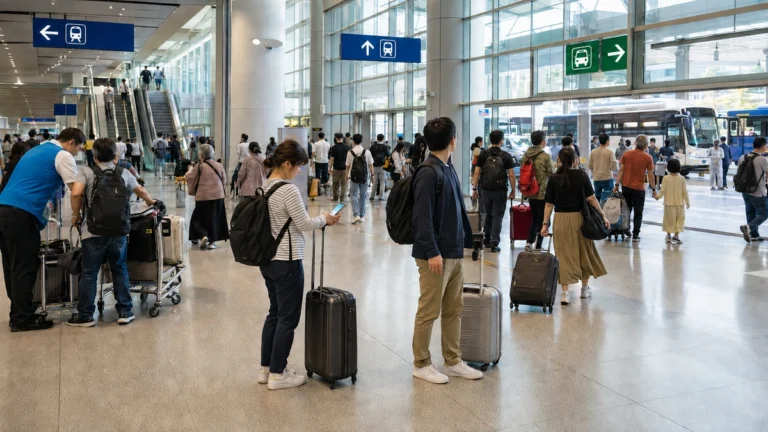
If you are traveling with parents or carrying several suitcases, following the signs to the official taxi stand may be easier than locating an app pickup zone.
Do not follow drivers who approach passengers individually inside the terminal. Use the official taxi stand or a vehicle confirmed through your app.

Should you choose a regular taxi or a larger vehicle?
A regular taxi usually carries up to four passengers, but several large suitcases may not fit in the trunk.
- One or two travelers with one or two suitcases: regular taxi
- Three or four travelers with several large suitcases: large taxi or van
- Family with parents or children and substantial luggage: reserved airport transfer or larger vehicle
Consider both the number of passengers and the amount of luggage when choosing a vehicle.
The pickup point matters
An inaccurate pickup point is a common reason drivers and passengers cannot find each other.
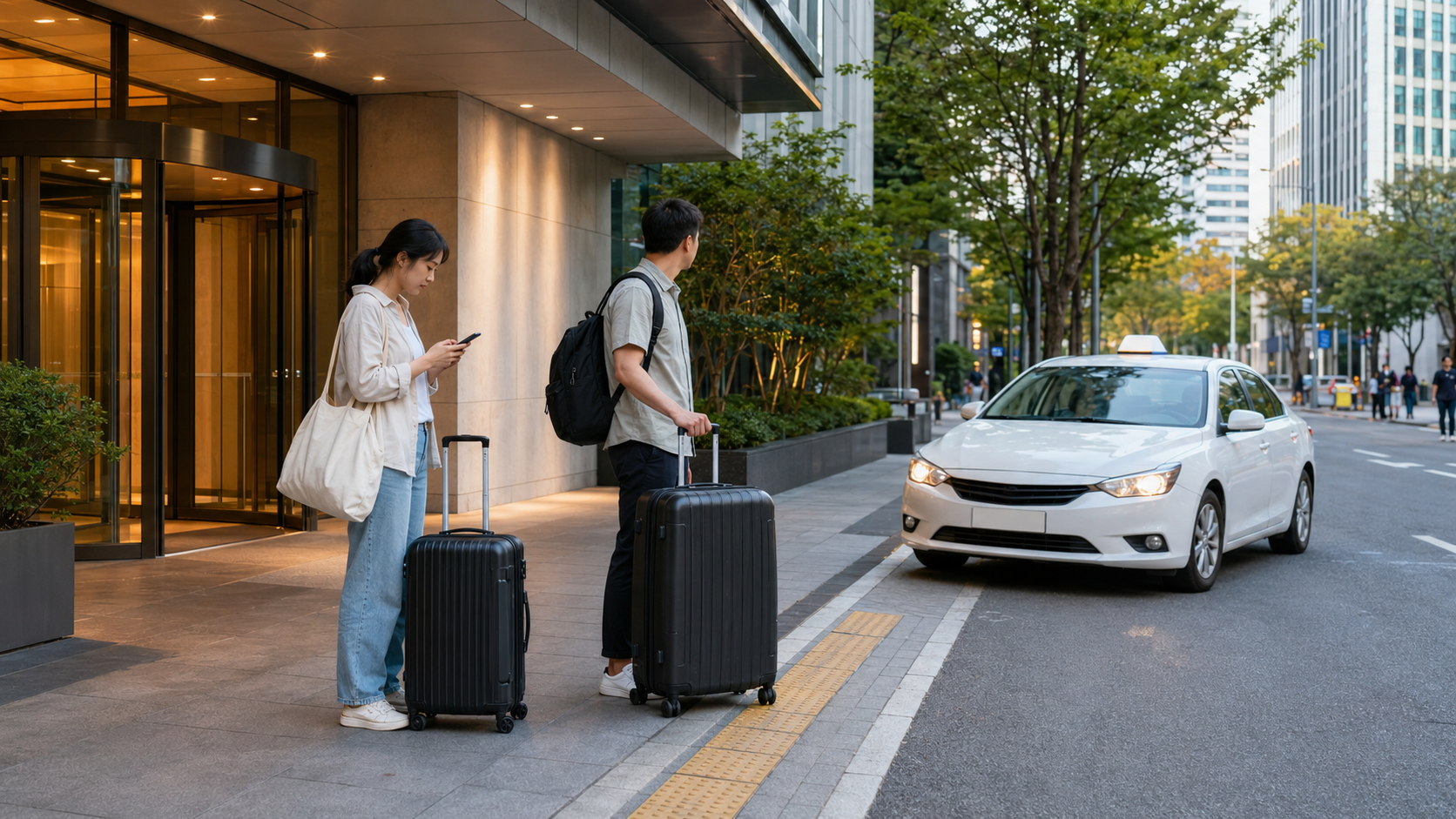
At large buildings, underground shopping areas, or hotel back entrances, your location may appear on the wrong road. Before confirming the ride, check that the map pin is on a road where the taxi can safely stop.
Save your destination’s Korean name and address instead of relying only on its English name.
- 명동역 · Myeongdong-yeok · Myeongdong Station
- 홍대입구역 · Hongdaeipgu-yeok · Hongik University Station
- 강남역 · Gangnam-yeok · Gangnam Station
Hotels can have similar names. Showing the driver the Korean address from your booking confirmation is the most reliable approach.
Do not pay twice if you selected in-app payment
Check the selected payment method before requesting the taxi.
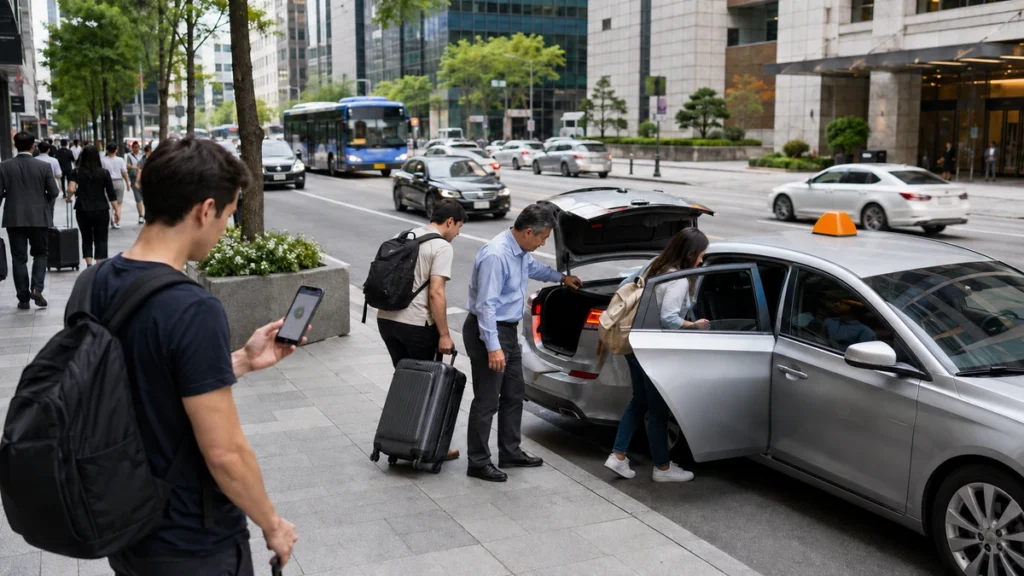
If you selected automatic in-app payment, you do not need to pay the driver again when you arrive. If you selected payment in the vehicle, pay by card or Korean won at the end of the ride.
If you are unsure whether payment was completed, check your trip history before paying again.
What if you cannot find a taxi?
Instead of repeatedly requesting a taxi through the same app, try the following:
- Move the pickup point to a main road or building entrance
- Try another taxi app
- Use the taxi stand at your hotel or tourist attraction
- Look for a taxi displaying 빈차 · Bincha · Available
During rush hour or heavy rain, the subway may still be faster than a taxi.
Useful Korean phrases for taxis
여기로 가 주세요.
Yeogiro ga juseyo.
Please take me here.
트렁크 열어 주세요.
Teureongkeu yeoreo juseyo.
Please open the trunk.
카드로 결제할게요.
Kadeuro gyeoljehalgeyo.
I’ll pay by card.
여기서 내려 주세요.
Yeogiseo naeryeo juseyo.
Please let me out here.
영수증 주세요.
Yeongsujeung juseyo.
Please give me a receipt.
Summary
You do not need a Korean phone number to use a taxi app in Korea. You can register with your regular mobile number or a Google or Apple account.
Choose your setup based on the apps you already use:
Existing Uber user: use Uber first and install k.ride as a backup
New user: use k.ride first and install Uber or TABA as a backup
Taxis are helpful when traveling with parents, children, or heavy luggage. If you are traveling alone, staying near a subway station, or moving during rush hour, public transportation may be the better choice.
Complete app registration and card setup before departure, and save your hotel’s Korean name and address.
Related articles
- How to Get from Incheon Airport to Myeongdong, Hongdae, or Gangnam
- Which Seoul Transportation Card Should You Buy? Tmoney, EZL, and Climate Card Compared
- Where Should You Stay in Seoul with Parents? Myeongdong, Insadong, Seoul Station, Yongsan, or Gangnam
- Can You Use Foreign Credit Cards, Apple Pay, and Google Wallet in Korea?
Information checked
September 3, 2026
Update notice
App names, registration methods, supported languages, payment options, service areas, and airport pickup procedures may change. Check the latest information from each app before departure.